
Windows
- System
- Windows 10 22H2 (64-bit) or newer.
- GPU
- GPUs from 2015 onward that support Vulkan 1.3, with recent drivers.
- RAM
- 8 GB minimum.
- VRAM
- 4 GB estimated small-scene floor; 6–8 GB preferred. Larger workloads: 8–12 GB or more.
GPU-native CFD for early-stage design.
Load geometry from your CAD tools, run complex free-surface cases, compare design variants and operating conditions before the design is fixed.
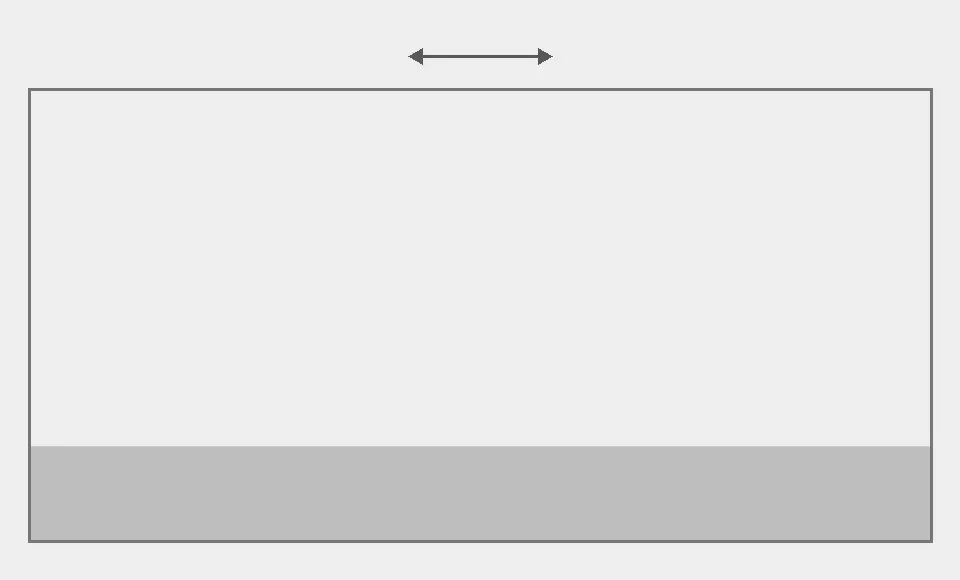


Validation cases and demonstrations, from tank sloshing to wetting in microgravity.

Shake a shallow tank side to side and compare the wall-pressure history with published measurements.

Release a column of water onto a box in a long tank and compare the impact pressure and water levels with measurements.

Watch a tank drain through two pipes at different heights as the water level falls.

Lift the gates on a labyrinth spillway and follow the released water over the crest and down the chute.

Shake the same tank the same way at 1 g and at 0.01 g and compare how the liquid moves.

Drop a half-filled spherical tank from 0.1 g to 0.001 g and watch surface tension and the wall contact angle reshape the liquid.

Roll a shallow water tank with the measured motion of SPHERIC benchmark Test 10 and compare the wall pressure through four lateral impacts.

Cool a hot steel cube through all six faces and compare the temperature at its centre, a face and a corner with the exact solution.

Heat one wall of a closed box of air and cool the opposite one, and compare the heat flow and the air speeds with the standard natural-convection benchmark.

Pitch a cylindrical LNG fuel tank near its first sloshing mode and compare the free-surface elevation at a roof sensor with measurements and a published 3D RANS simulation.

The same tank as application 01, now with the air resolved: shake the closed tank side to side with both water and air simulated, and compare the wall-pressure impulse with published measurements.
Run it in your browser or on the desktop, with the same GPU solver behind both. Set up the case and watch the flow and the probe readings update together.
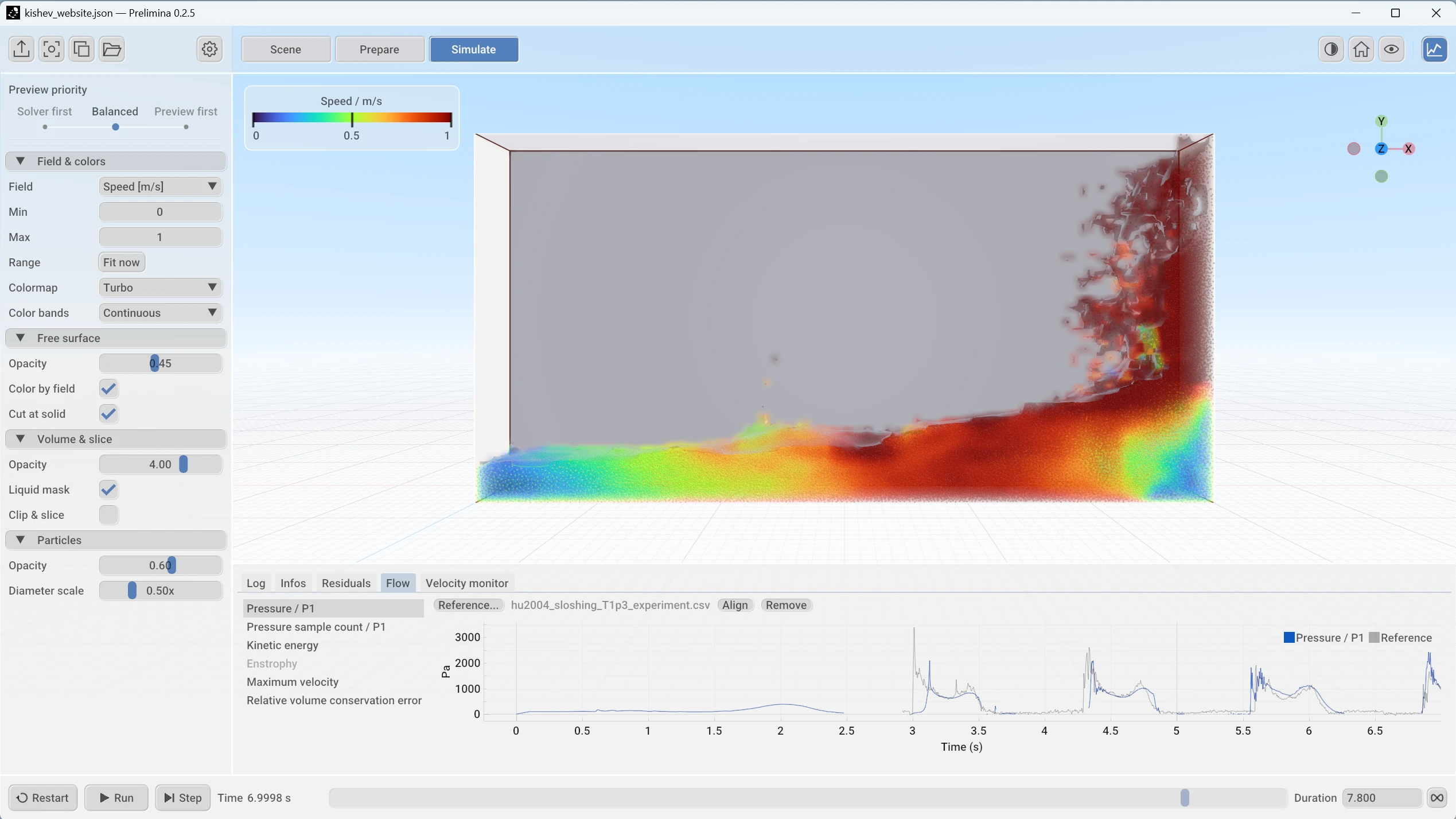
Bring triangulated surfaces straight from your CAD tools. Complex vessels, baffles, and internal parts work as they are, with no volume mesh to build.
Rotate, oscillate, shake, or accelerate the geometry. The liquid splashes, breaks up, and reconnects, keeping a sharp surface through impacts, with surface tension and wetting acting at the interface.
Every simulation step runs on the graphics card in your workstation, and memory follows the liquid rather than the empty space around it. Watch the result take shape while it runs.
Simulate multiple phases. Couple the liquid to free-moving bodies and structural solvers. Choose non-Newtonian fluids. Transfer heat through the liquid. Viscoelasticity is on the roadmap.
Dimensions, fill levels, motion, and fluid properties are all plain setup inputs. Run batches of variants from the command line, compare the results automatically, or drive the solver from your own optimisation loop.
Plain, schema-validated setup files and packaged CLI/MCP tools let AI agents check setups and run CFD tasks. A local setup assistant is experimental.
Full feature list, with the status of each one.
Prelimina is developed by PLASMICA Ltd., a spin-out from the University of Split, Croatia. Most of the team hold PhDs in fluid dynamics, numerical methods, engineering, and have spent their careers between university research and industrial applications, from deep sea to deep space.
About the companyFree for noncommercial use. Windows and Linux now, macOS later. Or use it in your browser.
Licensing, supported hardware, and what Prelimina is for.
Read the full agreement Ask about licensingYes, during the development phase; for lawful noncommercial use: personal projects, learning, teaching, and research without a commercial purpose. No purchase, subscription, academic affiliation, or separate permission is required. Development versions (before 1.0) include all features, and keep them. From version 1.0, the free version may be limited, for example to the FLIP solver without CUDA acceleration and with a limited cell count; full features will need a licence. Commercial use is never free.
Yes, with a paid commercial licence or subscription before the work begins. This includes business evaluation, internal design work, and consulting. Eligibility depends on the purpose of the work, not your organisation’s status.
The licence places no limits on users, installations, computing capacity, simulation size, or duration of noncommercial use. Your hardware still determines which simulations you can run.
Yes. You retain your rights in your data, designs, and results. The agreement gives PLASMICA no permission to publish them or use them to train AI models. Commercial use of results requires the appropriate entitlement.
Practical early-stage fluid-design work, initially focused on sloshing, baffle arrangements, and free-surface motion. It is being developed for engineering teams, equipment designers, consultants, laboratories, and educators who want to understand a response before the next design iteration.
Yes, you can download the desktop application. But note that Prelimina is in development, and the application is not yet ready for production use.
The Download section lists Windows and Linux requirements. We have tested the application on Windows 10 22H2 and 11, Linuxes since 2020, and various GPUs from 2015 onwards.
Yes. The browser version of Prelimina runs natively in your browser, with no installation: open it from Try here at the top of the page. Like the desktop application, it is in development and not yet ready for production use. The interactive workflow illustration on this website explains an engineering task; it does not run a fluid simulation.
One email per release. Nothing else.
Have a tank or sloshing problem in mind? Talk to us about a pilot